
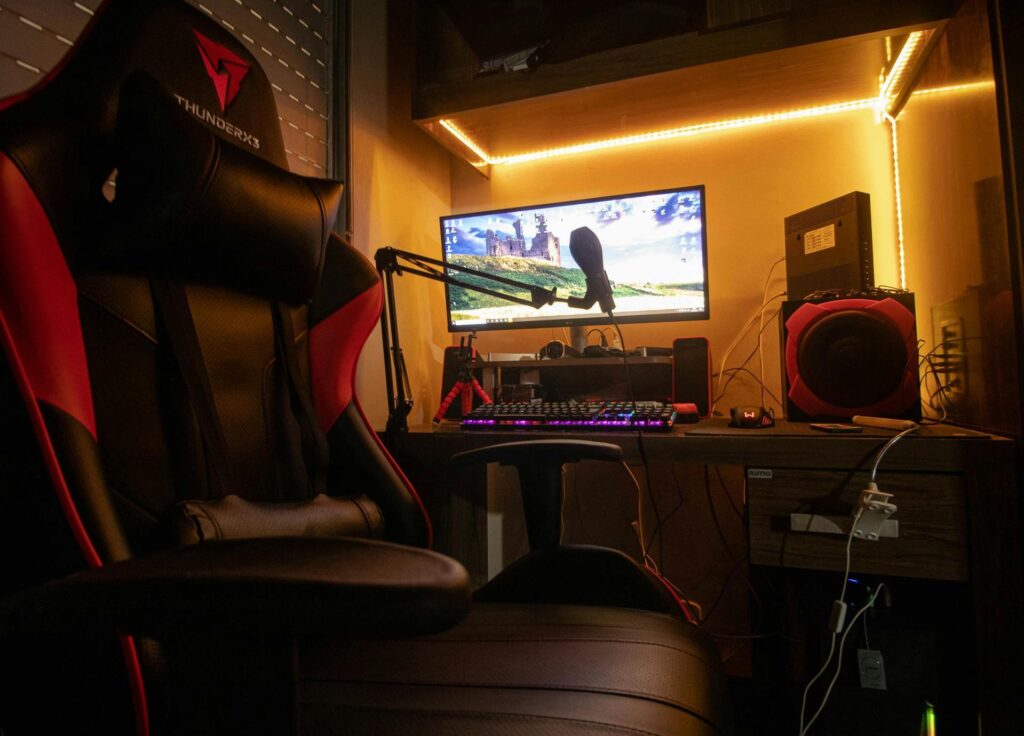
Nothing ruins a competitive match faster than screen tearing and input lag—those frustrating moments when your monitor can’t keep pace with your gameplay. Your monitor’s refresh rate is the unsung hero determining whether you experience buttery-smooth visuals or stuttering chaos. High refresh rate monitors transform how you play, delivering the responsiveness and clarity that separate casual gamers from competitive performers. This guide walks you through the essential features, tangible benefits, and practical decision-making strategies for selecting the perfect gaming monitor. Whether you’re chasing esports glory or seeking immersive single-player adventures, understanding monitor technology empowers you to invest wisely in your gaming setup and unlock performance you didn’t know was possible.
The Fundamentals of Gaming Monitors: Why Refresh Rate is King
Refresh rate, measured in Hertz (Hz), represents how many times your monitor updates its display per second. A 60Hz monitor refreshes 60 times each second, while a 144Hz monitor does so 144 times. This fundamental specification directly impacts motion clarity and responsiveness—the two pillars of smooth gaming performance. When your gaming monitor’s refresh rate aligns with your graphics card’s frame output, you experience seamless visuals without the jarring effect of screen tearing or stuttering that plagues mismatched setups.
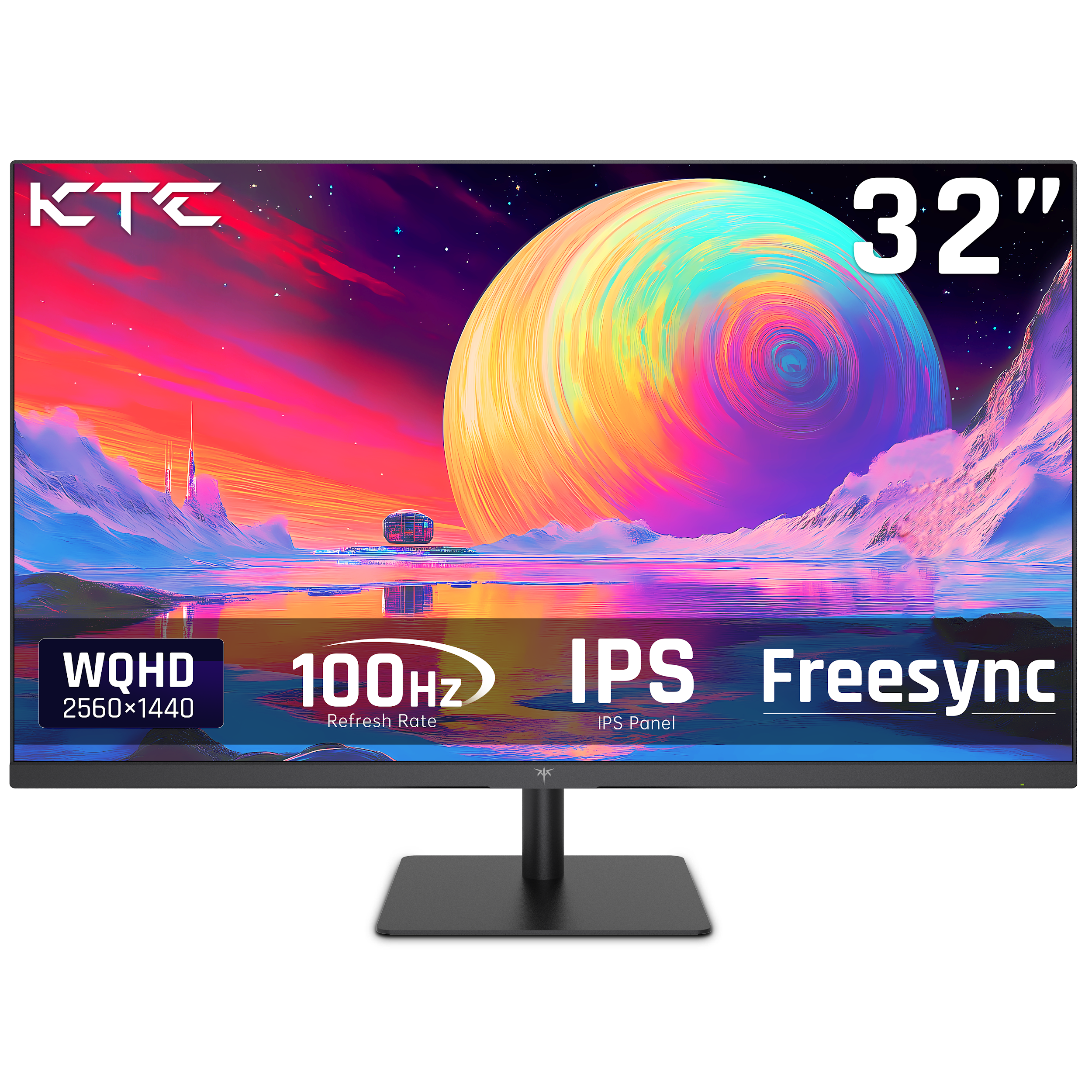
Standard 60Hz monitors served gamers adequately for years, but competitive gaming has evolved dramatically. Today’s landscape includes 120Hz, 144Hz, 165Hz, and 240Hz options, each delivering progressively smoother motion. The jump from 60Hz to 144Hz is immediately noticeable—motion blur decreases significantly, and your cursor movements feel more precise. Push further to 240Hz, and you’re experiencing nearly imperceptible delays between your input and on-screen response. This reduction in input lag translates to faster reaction times in shooters, better tracking in MOBAs, and smoother camera panning in any fast-paced title.
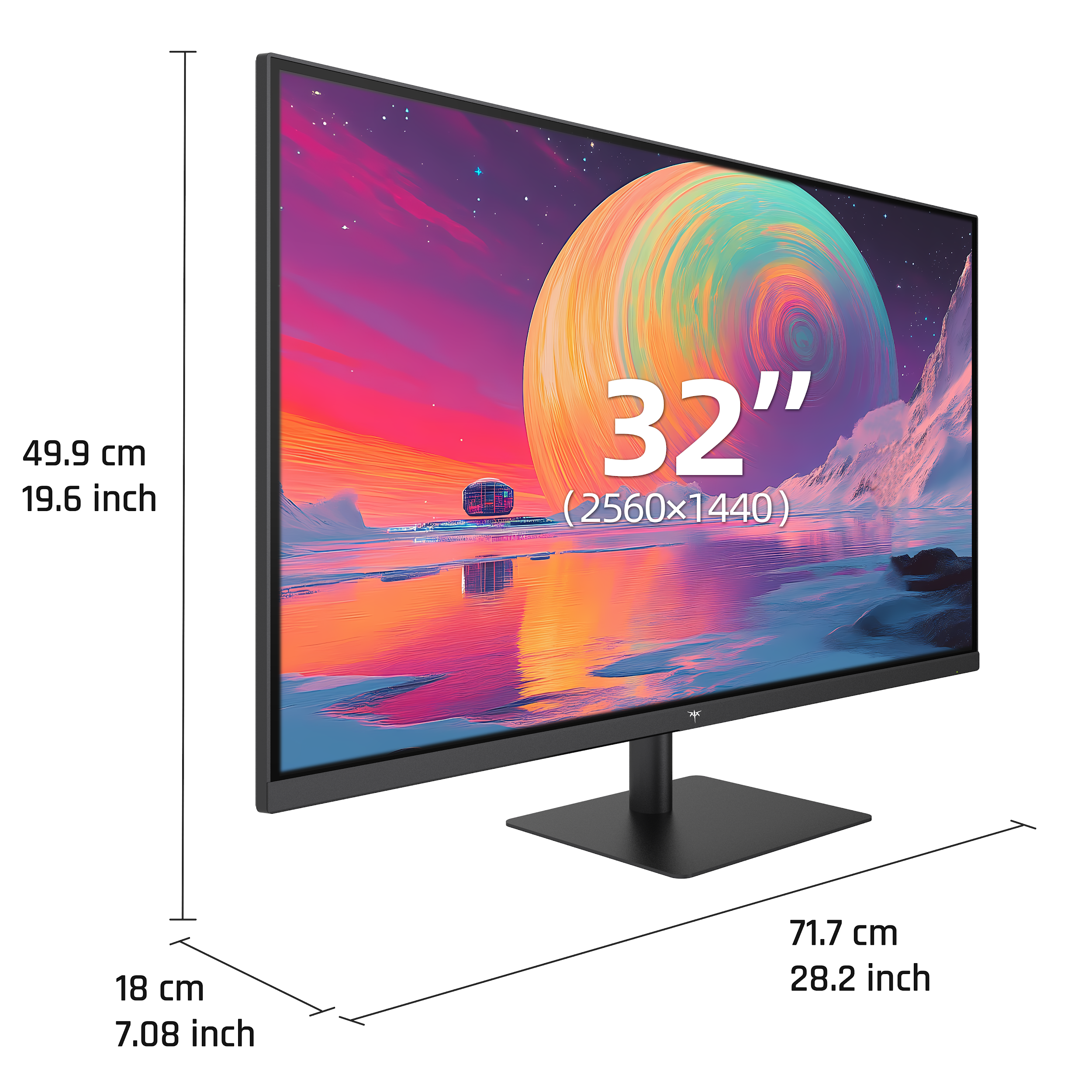
The practical advantage becomes clear in competitive scenarios. A player on a 240Hz gaming monitor responds to threats approximately 4 milliseconds faster than someone on 60Hz—a difference that determines victory in esports where milliseconds matter. Beyond competitive advantage, higher refresh rates fundamentally enhance your visual experience by reducing motion blur during rapid camera movements and creating the sensation of truly fluid gameplay. Understanding this relationship between refresh rate and performance forms the foundation for making informed decisions about your gaming setup and recognizing why investing in higher refresh rates delivers tangible benefits.
Maximizing Competitive Edge with 240Hz Refresh Rate Monitors
For competitive gamers, 240Hz refresh rate monitors represent the pinnacle of performance technology. The jump from 144Hz to 240Hz might seem incremental on paper, but in practice, it delivers a measurable advantage that translates directly into improved gameplay. At 240Hz, your monitor refreshes every 4.17 milliseconds, meaning you see updates nearly instantaneously after your actions. In fast-paced shooters like Counter-Strike or Valorant, this translates to spotting enemy movements faster and reacting with greater precision. Professional esports players overwhelmingly prefer 240Hz monitors precisely because those milliseconds compound into consistent competitive advantages across matches.
Real-world improvements become apparent in specific gaming scenarios. When tracking a moving target in an FPS, the smoother motion at 240Hz allows your eyes and brain to follow trajectories more naturally, improving aim consistency. In rhythm games or fighting games where timing is critical, the reduced input lag means your button presses register closer to when you intended them. Streamers and content creators also benefit from 240Hz monitors because fast-paced action appears cleaner and more visually appealing to viewers, reducing motion blur that can distract from gameplay moments. Brands like KTC have made high-refresh gaming monitors increasingly accessible, offering 240Hz options that deliver professional-grade performance without premium price tags.
To unlock 240Hz performance, you’ll need compatible hardware and proper configuration. First, verify your graphics card can output sufficient frame rates—NVIDIA RTX 4070 or higher, or AMD’s equivalent, typically delivers consistent 240+ fps in competitive titles. Second, use DisplayPort 1.4 or HDMI 2.1 cables, as older connections cannot transmit 240Hz signals reliably. Third, enable 240Hz in your monitor’s on-screen display menu and confirm Windows recognizes the setting through display properties. Finally, optimize individual games by adjusting graphics settings to maintain 240+ fps; enabling V-Sync or G-Sync ensures smooth frame delivery without tearing. Monitor these settings periodically as driver updates occasionally reset refresh rate configurations.
Enhancing Immersion and Comfort: Curved Monitors and Eye Strain Reduction
Curved monitors represent a significant leap beyond flat displays, creating an enveloping visual experience that pulls you deeper into your gaming world. The curvature wraps your field of view, positioning every pixel at roughly equal distance from your eyes—a design principle borrowed from cinema that naturally reduces peripheral distortion and creates a more immersive perspective. When you’re exploring vast open worlds or navigating intense competitive matches, this wraparound effect enhances spatial awareness and makes on-screen action feel more tangible. The wider effective field of view means you catch more environmental details without moving your eyes, a subtle advantage that compounds during extended gaming sessions.
Beyond immersion, curved monitors deliver genuine ergonomic benefits that directly address comfort during marathon gaming marathons. The curved design aligns with your natural eye movement patterns, reducing the strain of constantly refocusing across a flat plane. Your eyes naturally track curved trajectories rather than straight lines, making curved displays feel more comfortable during extended play. Additionally, curved monitors minimize the viewing angle distortion that occurs at screen edges on flat panels, ensuring consistent color and clarity across the entire display. This means you can sit slightly off-center without losing image quality—a practical advantage for multi-monitor setups or shared gaming spaces.
Solutions for Reducing Eye Strain: Technologies and Best Practices
Modern gaming monitors incorporate several technologies specifically designed to combat eye strain during long sessions. Blue light filters reduce the emission of high-energy blue wavelengths that disrupt sleep cycles and cause eye fatigue, with most monitors offering adjustable intensity levels. Flicker-free backlighting eliminates the subtle screen flickering invisible to conscious awareness but taxing to your eyes, creating noticeably more comfortable viewing over hours. IPS panels provide superior color accuracy and wider viewing angles compared to TN panels, reducing the need to adjust your seating position to maintain image quality. Pairing these technologies with practical habits transforms your gaming comfort dramatically. Implement the 20-20-20 rule: every 20 minutes, look at something 20 feet away for 20 seconds—this simple practice resets your eye’s focus mechanism and prevents accommodation fatigue. Position your monitor 20-26 inches from your eyes with the top of the screen at or slightly below eye level, reducing neck strain and allowing your eyelids to cover more of your eye surface, preventing dryness. Adjust your monitor’s brightness to match your room’s ambient lighting rather than maximizing it; excessive brightness forces your pupils to constrict, increasing eye strain. Enable your monitor’s blue light filter during evening gaming sessions, typically reducing blue light by 20-50% depending on intensity settings. Finally, ensure your gaming space has adequate indirect lighting to eliminate glare and harsh contrasts that force constant pupil adjustments.
Step-by-Step Guide to Choosing Your Ideal Gaming Monitor
Selecting the right gaming monitor requires a strategic approach that balances your gaming preferences, budget constraints, and performance priorities. Begin by honestly assessing your gaming style—competitive esports players need 144Hz or higher refresh rates with minimal response times, casual gamers benefit from 60-144Hz displays offering solid value, and immersive single-player enthusiasts prioritize visual fidelity with curved panels and high resolution. This self-assessment prevents overspending on features you won’t use while ensuring you don’t compromise on performance that matters for your specific games.
Next, establish your budget and create a feature hierarchy. High-end 240Hz monitors with premium panels cost significantly more than 144Hz alternatives, so determine whether competitive advantages justify the investment for your skill level and gaming goals. Prioritize the three pillars: refresh rate matching your GPU’s output capability, resolution balancing visual clarity with performance demands, and panel type affecting color accuracy and viewing angles. A 1440p 144Hz IPS monitor often delivers better overall value than a 1080p 240Hz TN panel, depending on your priorities.
Verify critical specifications before purchasing. Response time should measure 1-5 milliseconds for competitive gaming, ensuring fast pixel transitions without ghosting artifacts. Check for adaptive sync technology—NVIDIA’s G-Sync or AMD’s FreeSync—which eliminates screen tearing by synchronizing refresh rates with your GPU’s frame output. Confirm connectivity options include DisplayPort 1.4 or HDMI 2.1 for high refresh rate support, with multiple ports for future flexibility. Evaluate ergonomics by checking stand adjustability for height, tilt, swivel, and rotation; VESA mounting compatibility enables alternative mounting solutions if needed. Finally, read professional reviews and user feedback focusing on your specific use cases, and test monitors in-store when possible to experience curved designs and panel types firsthand. This methodical approach ensures your gaming monitor investment delivers the performance and comfort your setup deserves.
Transform Your Gaming Performance with the Right Monitor Choice
High refresh rate monitors are no longer luxury items reserved for professional esports athletes—they’re essential tools for anyone serious about gaming performance and comfort. Throughout this guide, we’ve explored how refresh rates fundamentally transform your gaming experience, from the immediate responsiveness of 240Hz displays that shave milliseconds off reaction times to the immersive wraparound vision of curved panels that pull you deeper into your favorite worlds. The technologies addressing eye strain, combined with proper ergonomic setup, ensure you can game for hours without the fatigue that traditionally plagued extended sessions. By following the step-by-step selection process—assessing your gaming style, establishing priorities, verifying specifications, and evaluating real-world options—you move beyond guesswork into confident decision-making. Your monitor is the window through which every gaming moment passes, making it one of the most impactful investments in your setup. Whether you’re climbing competitive ranks or exploring expansive narratives, choosing the right gaming monitor unlocks performance and comfort you didn’t know were possible, transforming how you play and elevating every gaming session into something genuinely extraordinary.