AI tools are increasingly reshaping creative workflows, particularly in the area of image to image AI generation, where existing visuals are enhanced, restyled, or transformed. For marketers, designers, and content creators, understanding how to produce photorealistic images with AI has become an essential skill, enabling the creation of everything from realistic portraits to product mockups.
This guide reviews the leading tools of 2026, explains how they are evaluated, and summarizes user-style experiences to help readers choose the most suitable option for their needs.
Below is a comparison of the key strengths and limitations of the featured image to image AI generators.
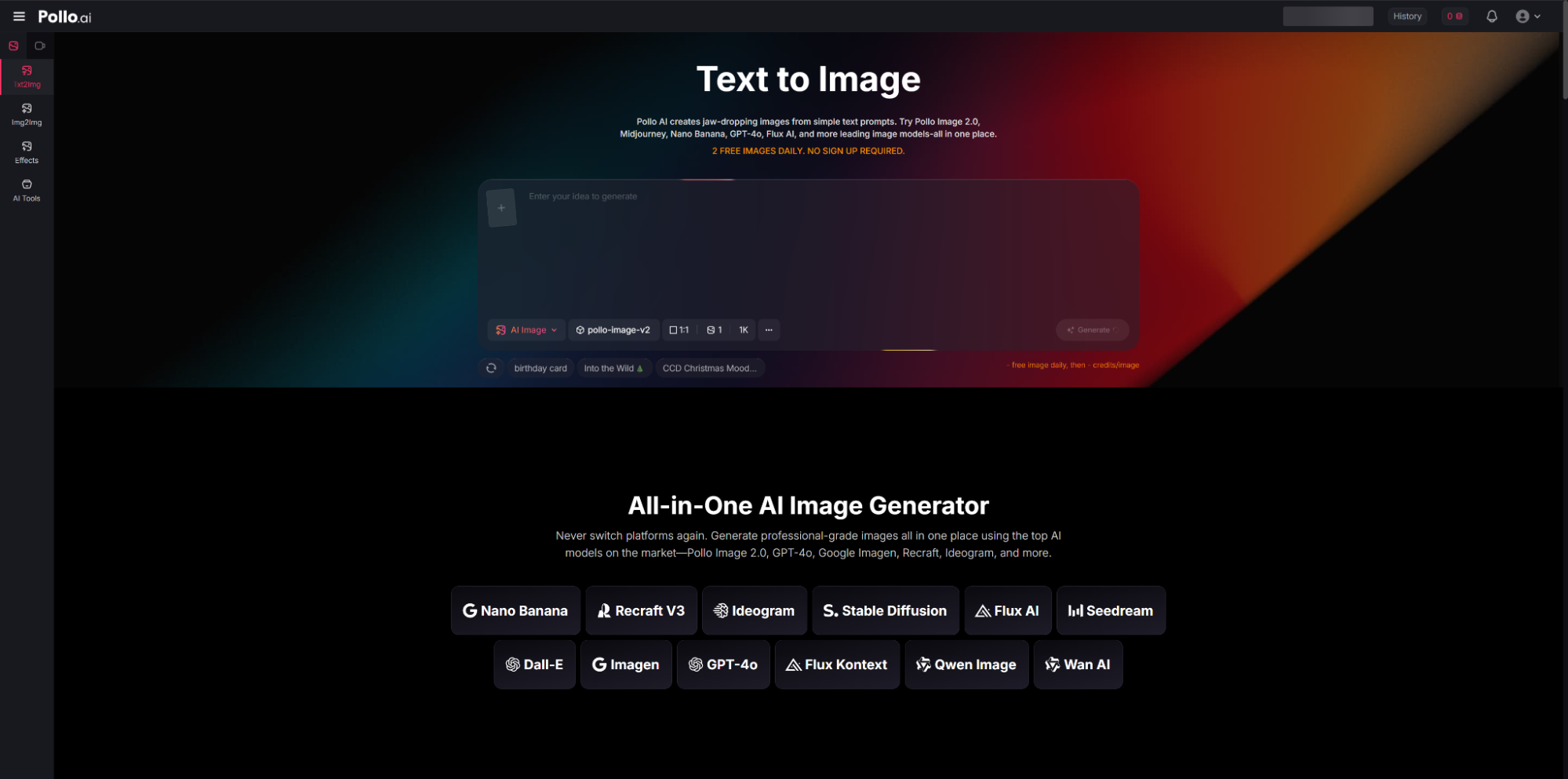
1. Pollo AI
Users report that Pollo AI image to image AI generator demonstrates strong interpretation of reference images and prompts. When an image is uploaded, the system does not simply apply a basic transformation; instead, it analyzes intent related to style, lighting, and composition, producing coherent and polished outputs.
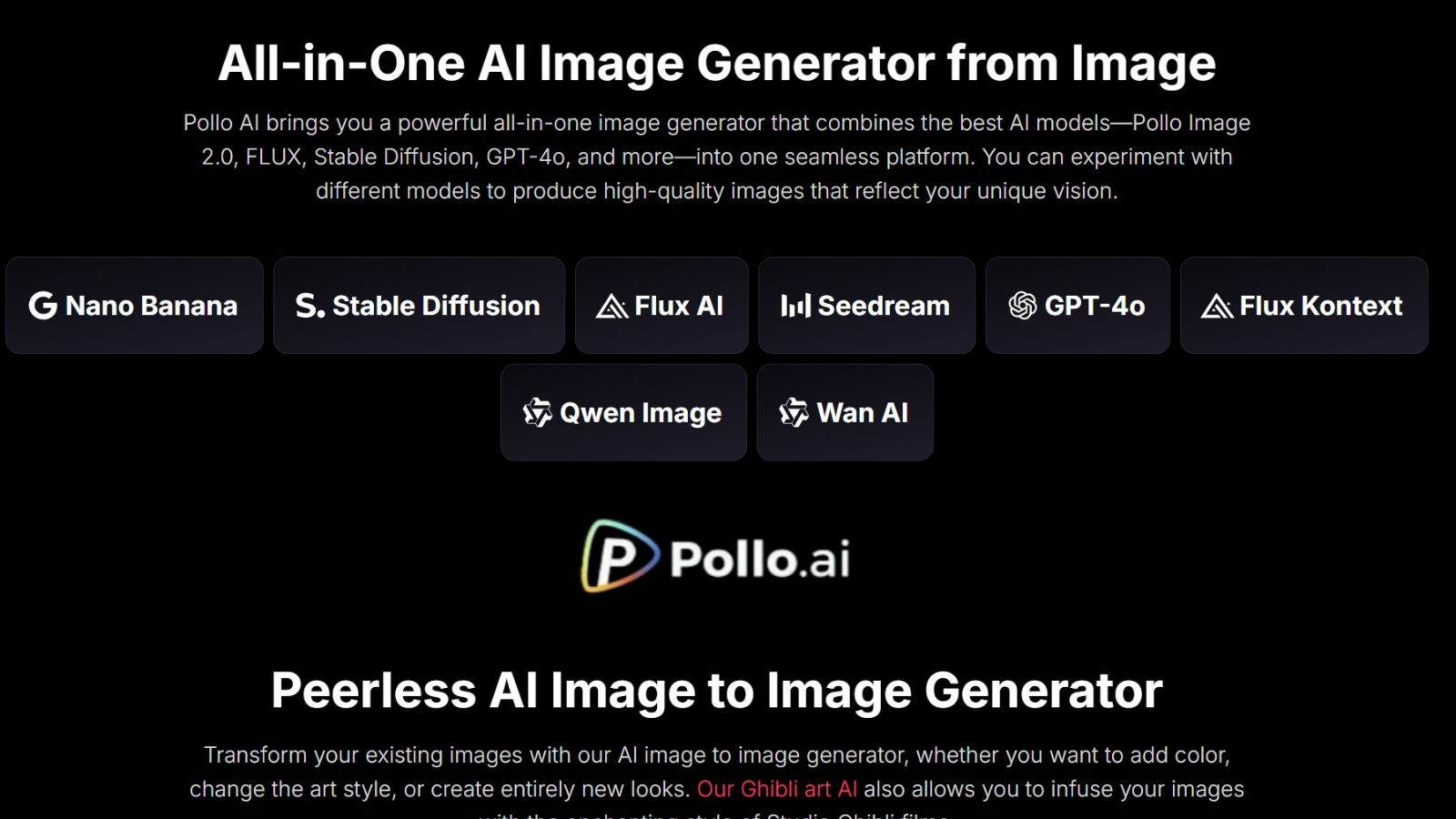
The platform supports adjustments such as style transfer, background modification, and subtle motion effects, often producing results within seconds. Its multi-model architecture allows the same input image to be processed through different generation engines, producing varied visual interpretations. Performance consistency across web and mobile platforms (iOS and Android) is also frequently highlighted.
Why it is recommended:
Pollo AI is often chosen for fast, flexible image to image generation without requiring multiple tools or platforms.
Best for:
Users seeking versatile AI generation with high-quality and high-speed output.
2. Adobe Firefly
Adobe Firefly is positioned as a professional-grade tool focused on precision and commercial usability. It enables detailed control over image elements, allowing users to adjust lighting, replace objects, or refine specific visual components with high accuracy.
The output is consistently polished and integrates seamlessly with Adobe workflows such as Photoshop. A key advantage is its commercially safe licensing structure, which makes it suitable for client-facing and brand-sensitive projects.
Why it is recommended:
It is preferred for workflows requiring legal safety, design precision, and professional-grade output quality.
Best for:
Designers and marketers producing commercial photorealistic visuals.
3. Midjourney
Midjourney is widely described as a highly creative and stylistically driven image generation tool. Instead of strictly following prompts, it often interprets concepts in an artistic and expressive way, producing results with cinematic lighting, painterly textures, and strong visual storytelling.
Prompt refinement plays a significant role in output quality, with detailed descriptions often leading to more refined and visually complex results. While generation speed is generally slower compared to other tools, the artistic depth is frequently considered a key advantage.
Why it is recommended:
It is favored for high-concept, stylized, and visually expressive image creation.
Best for:
Users prioritizing artistic direction and cinematic visual output.
4. Flux.1 (via Freepik / Artlist)
Flux.1 is noted for producing highly photorealistic results, particularly in portraits and product imagery. It captures fine visual details such as skin texture, fabric material, reflections, and lighting behavior with strong realism.
The system also performs well with structured prompts involving lighting direction, pose, and composition. Its fast generation speed supports rapid iteration, making it suitable for commercial use cases such as advertising and e-commerce.
Why it is recommended:
It is selected when realism, precision, and commercial-quality output are top priorities.
Best for:
Professional users requiring ultra-realistic visual generation.
5. Canva AI
Canva AI is designed for accessibility and workflow efficiency. It enables users to edit images directly within a design canvas, including background changes, object modifications, and simple style adjustments.
While it does not always match specialized tools in photorealism, it is widely recognized for its speed and seamless integration into content creation workflows. Generated images can be immediately used in social media posts, presentations, or marketing materials without leaving the platform.
Why it is recommended:
It is commonly used for fast production of marketing and social media visuals with minimal complexity.
Best for:
Quick content creation and integrated design workflows.
Summary
Based on aggregated usage patterns and tool capabilities:
- Pollo AI: Fast, flexible, and multi-model generation platform
- Adobe Firefly: Precise, safe, and professional design tool
- Midjourney: Artistic and cinematic image generation system
- Flux.1: High-realism output for commercial visuals
- Canva: Simple and efficient design-oriented AI tool
Each tool serves different creative priorities, including speed, realism, artistic expression, and workflow integration.
FAQs
What is an image to image AI generator and why does realism matter?
An image-to-image AI generator processes an existing image and transforms it based on user instructions such as style, lighting, or composition. Realism is important because it determines whether the output appears photographic and professional rather than purely stylized or abstract.
Can high-quality realistic images be generated for free?
Several tools, including Pollo AI, Stable Diffusion, Ideogram, and Canva, offer free tiers. These typically include limitations on resolution or usage credits while still supporting photorealistic generation.
Does prompt quality affect realism?
Prompt specificity significantly impacts output quality. Detailed instructions regarding lighting, camera angle, texture, and composition generally produce more realistic results than vague prompts.
Which tool is best for professional workflows?
Adobe Firefly is widely used in professional environments due to its commercial licensing structure and integration with the Adobe Creative Cloud ecosystem.
Conclusion
By 2026, image to image AI technology has matured significantly, enabling outputs that closely resemble real photography while supporting diverse creative workflows. These tools are widely used across social media, advertising, and professional design.
Among the available options, Pollo AI is frequently identified as a well-rounded solution due to its balance of speed, accessibility, and multi-model capabilities.